Localization
Fluidd is available in multiple languages. By default, Fluidd detects your browser's language preference and loads the closest matching translation automatically. If no match is found, English is used.
Changing language
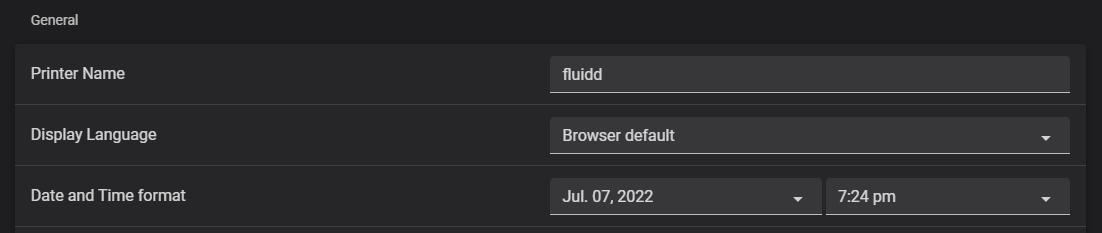
Go to Settings — General — Language and select a language from the dropdown. Choose Browser default to use automatic detection based on your browser's language setting.
Contributing translations
Translations are managed through Weblate. Do not edit non-English locale files directly — use Weblate instead. The Weblate project page shows the current completion percentage for each language, and new languages can be added there without needing a code change.
See the developer localization docs for technical details on how translations work.